computer customization
as you can probably tell from my website's design, i've been told to "be myself" a few too many times growing up, so i take expressing myself very seriously. thus, whatever customization options i have available, i will use them to the fullest.
on that note, here is my current desktop:
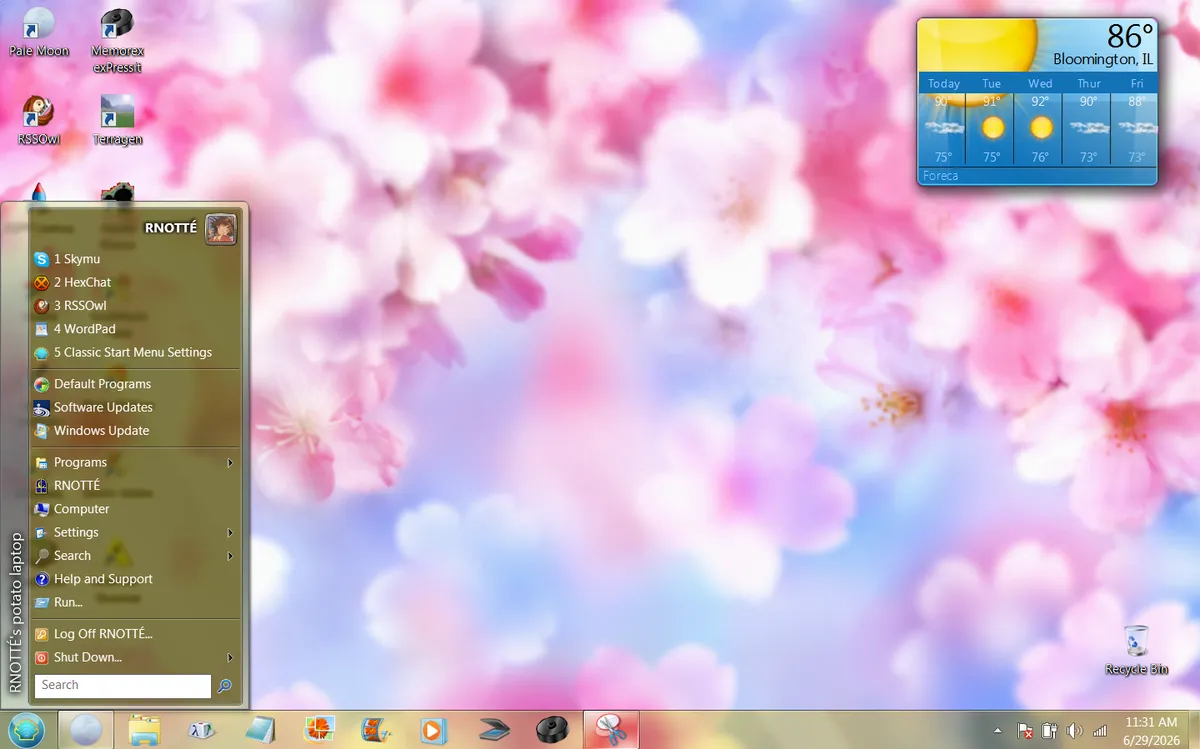
why yes, this IS a windows 7 laptop i got from the used tech store. and yes, i AM writing this blog post on said laptop. why do you ask? ;)
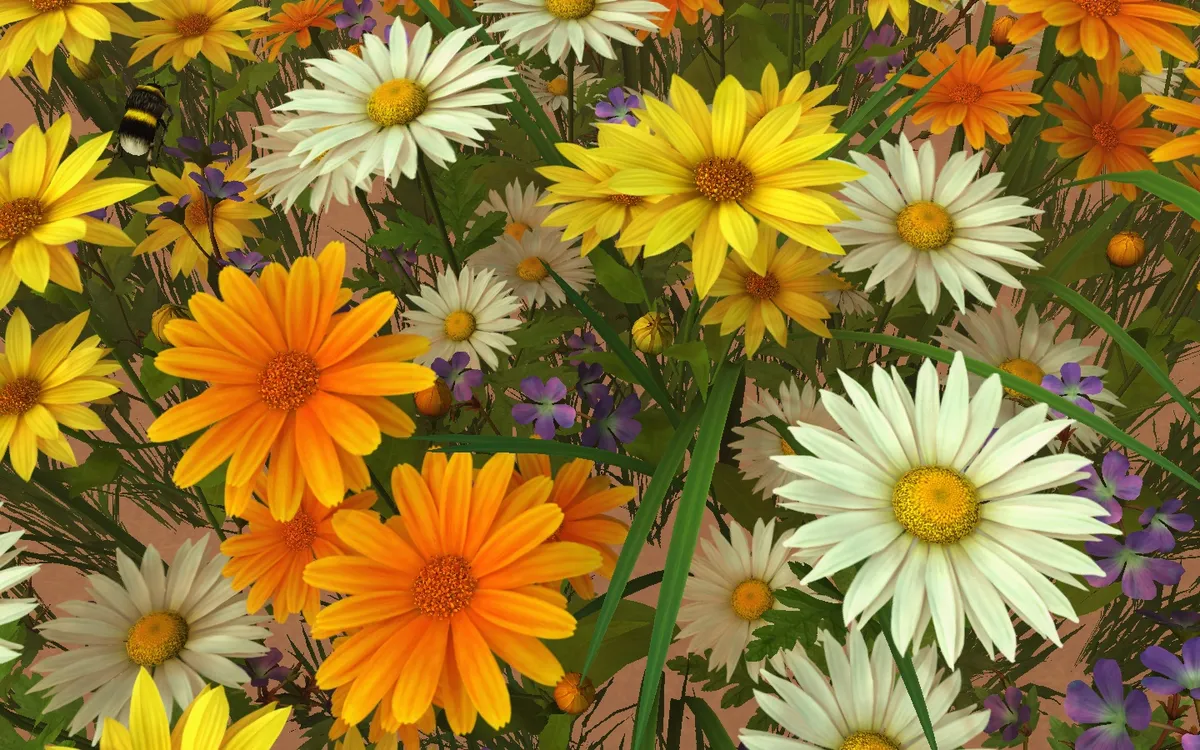
my wallpapers are from the frutiger aero archive, and the start menu was customized using good ol' classic shell. you can't see it, but i also have a flower cursor from RW designer and a flower garden screensaver from 3planesoft.
computer customization is fun! i've always loved changing my PC's themes ever since the old days of windows 98, which came with all those fun themes like underwater, space, dangerous creatures, leonardo da vinci, and then some. microsoft plus! added even MORE themes. and then there was themeworld, where you could find even more themes designed by the community. (my particular favorite artist on there was patina's treasures!) then windows 7-11 came, and themes became a little more... basic. just a taskbar/menu color and a slideshow of wallpapers. they don't even have sound schemes anymore! ugh! :(
i don't care for the basic modern-day "customization options". they boil down to "do you want light mode, or dark mode? now pick your avatar, background, and 1 accent color. take it or leave it." and that's not as fun as changing your screensaver into flying toasters, or your mouse pointer into a fish, is it? these days, you have to actively look for those. so... look for them! use some of the links i listed in this entry. and have fun expressing yourself!